Keyword trigger
The user sends a specific word or phrase and the flow starts there. Well suited to campaigns, discount codes and sign-ups.
 ArtinBot
Not every conversation is open-ended. Part of your business runs on fixed paths: someone comments under a post and should receive a link, someone sends a keyword and should enter a sign-up path, someone abandons a form halfway and should get a reminder. AutoFlow builds exactly those fixed paths in a visual editor: message, image, buttons, form, delay and API call, arranged in order and executed the same way every time.
AI answering is for open questions: someone asks how long the warranty runs and the bot builds a reply from your documents. But part of the work is not a question at all — it is a process. The user has to move through a few defined steps and see or enter something at each one. For that kind of work an open-ended answer is neither necessary nor dependable, because it may come out slightly differently each time.
AutoFlow is the deterministic layer beside the intelligent one. You define the path and it runs exactly the same way every time. A flow can start from a keyword in a message, a comment under a post or a new follower, and continues as a chain of actions you arranged in the visual editor. The two work together: AutoFlow carries the defined paths, and AI answers the open questions.
The user sends a specific word or phrase and the flow starts there. Well suited to campaigns, discount codes and sign-ups.
Someone comments under a post and the chain runs in their direct messages — the comment-to-direct pattern.
Every new follower can enter a welcome and introduction path without anyone sending a message by hand.
At each step you can send text, show an image or offer buttons so the user picks the next branch.
Collect a name, a number or whatever else you need inside the conversation itself; the user never has to leave it.
Put a gap between two steps, or call your own service and show the result in the same conversation.
See the whole journey on one canvas and drag steps around; each step type has its own shape so the flow reads at a glance.
Split the path based on the user's answer or details collected in the chat — returning customers one way, new customers another.
Connect to your own system mid-flow — place an order, look something up or book — and continue based on success or failure.
Order several conversation-start flows so they run one after another — for example a welcome first, then an info form.
If a user has an open question mid-flow, one button takes them out of the flow and the AI answers; nobody gets stuck.
You post "comment the keyword below"; every comment turns automatically into a direct message with a link and an explanation.
A fixed multi-step path that ends with a name and number recorded and the user knowing what happens next.
Instead of one long message, information arrives across a few steps with images and buttons so people do not drop off.
Anyone who left the path unfinished receives a reminder after a defined delay.
Every new follower gets a short introduction and a clear way to begin.
Query your own system mid-flow and show the result inside the same conversation.
One keyword, one fixed message.
One trigger, a full chain.
No. Flows are built in a visual editor: you pick blocks and arrange them in order. Even the API call is configured as a ready-made block inside that same editor.
No, it sits beside it. AutoFlow carries the fixed, multi-step paths, while the AI engine answers open questions from your documents.
A keyword in the user's message, a comment under a post, or a new follower. So the user does not have to message you first for a path to begin.
Yes. That is what the form block is for: a name, a number and any other detail is captured inside the conversation, without the user leaving it.
Yes. The delay block lets the next step run after a defined interval — which is what makes follow-ups and reminders possible.
Yes. The API call block queries your service mid-flow and shows the result in the same conversation.
Start with a short path, try it on a single post or keyword, then grow it from there.
آرتینمگ
این مطالب در آرتینمگ، رسانهی تخصصی گروه آرتین، منتشر شدهاند.
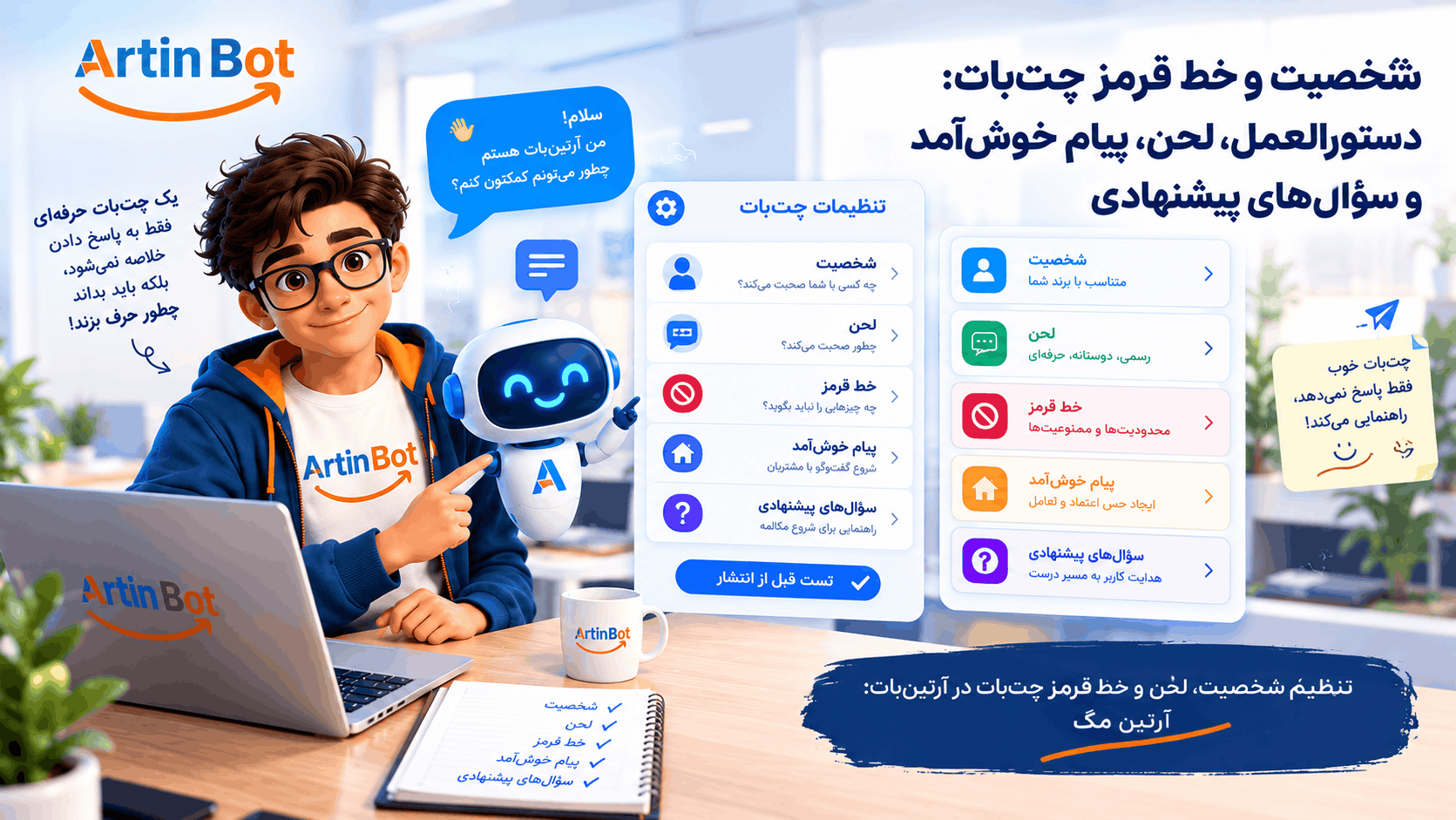
چتبات شما با لحن چه کسی حرف میزند و چه چیزی را هرگز نباید بگوید؟ راهنمای تنظیم دستورالعمل، لحن، خط قرمز، پیام خوشآمد و سؤالهای پیشنهادی در آرتینبات، با تست پیش از انتشار و محدودیتها.
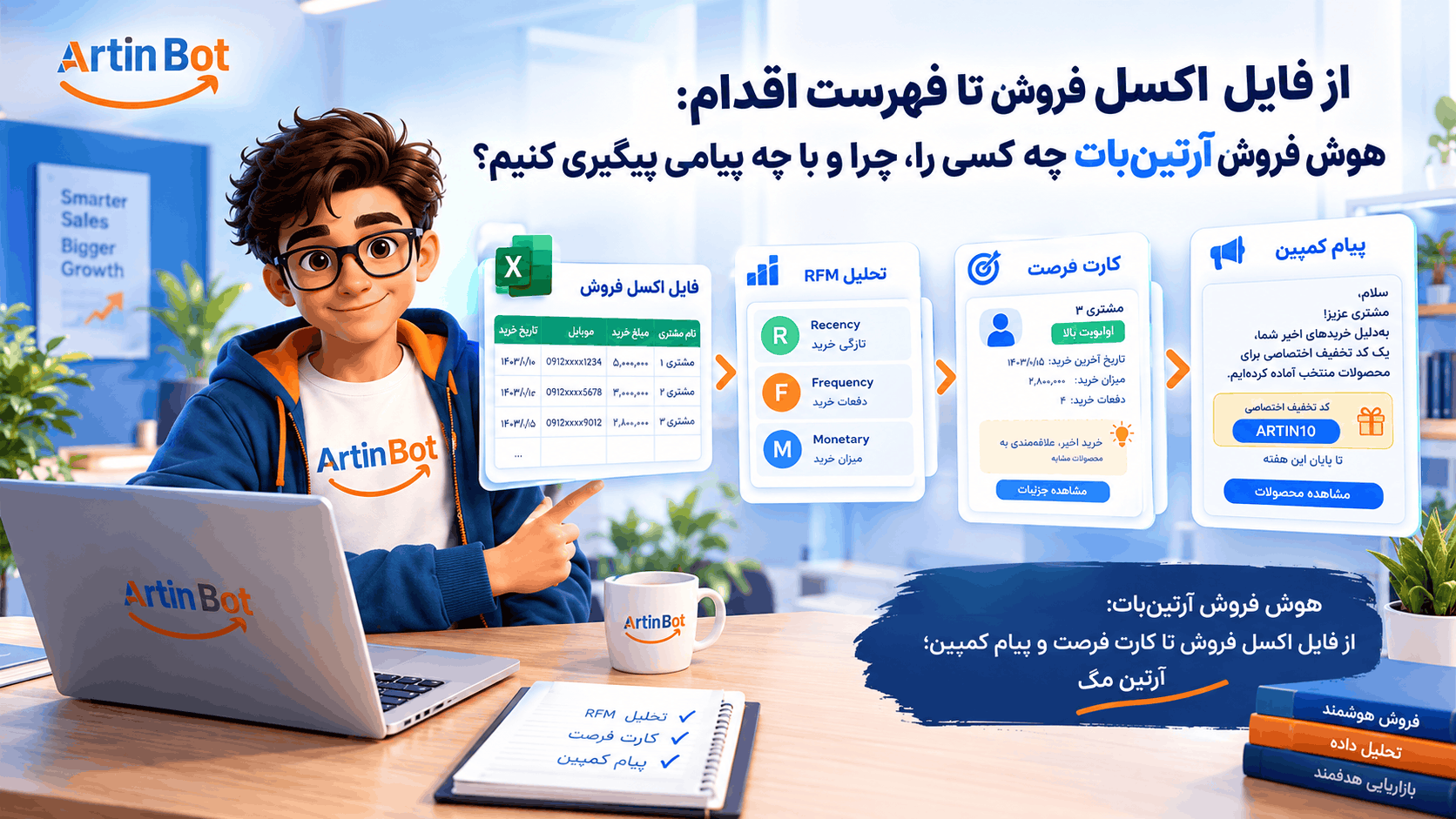
فایل فروشتان پر از مشتری است ولی نمیدانید به کدامشان چه بگویید. راهنمای هوش فروش آرتینبات: بارگذاری اکسل، تحلیل RFM، کارت فرصت، پیام کمپین و کد تخفیف اختصاصی، با محدودیتها و هزینهها.
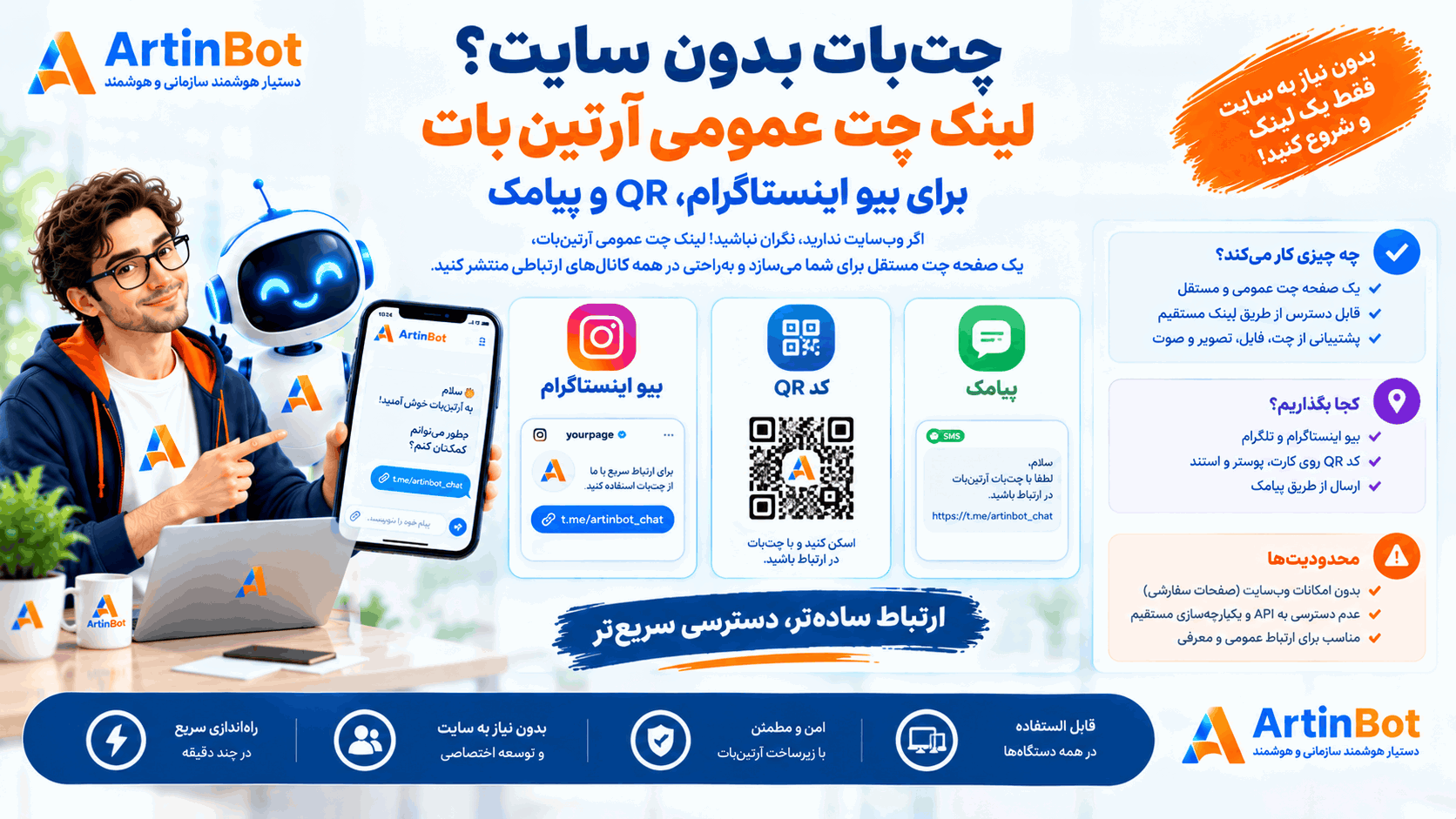
پیج دارید ولی سایت ندارید؟ لینک چت عمومی آرتینبات یک صفحهی چت مستقل میسازد که میتوانید در بیو، QR یا پیامک منتشر کنید. چه چیزی کار میکند، کجا بگذاریم و محدودیتها چیست.
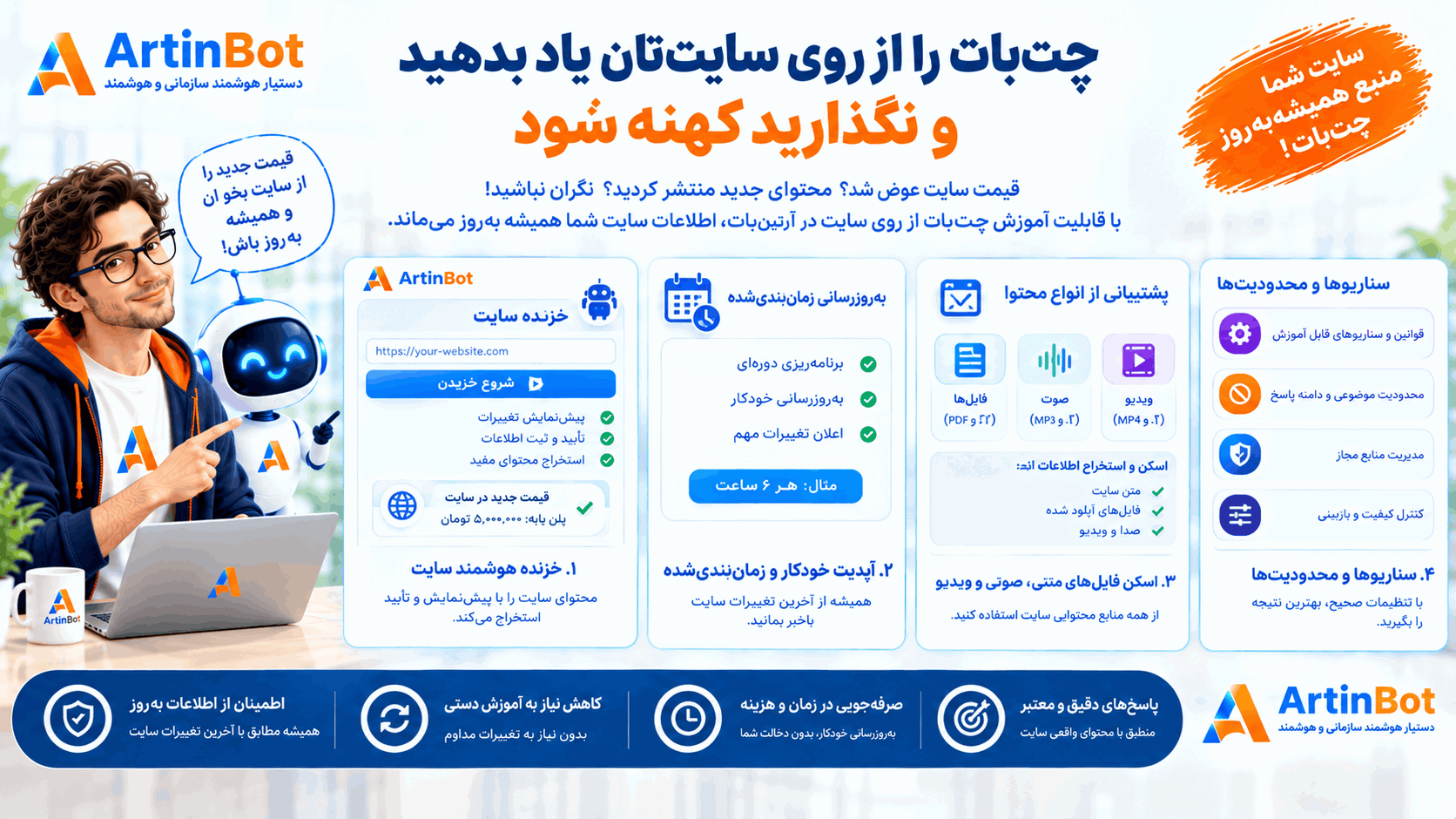
قیمت سایت عوض شد ولی چتبات هنوز عدد قدیمی را میگوید. راهنمای آموزش چتبات از روی سایت در آرتینبات: خزنده با پیشنمایش و تأیید، بهروزرسانی زمانبندیشده، فایلهای اسکنشده، صوت و ویدیو، سناریوها و محدودیتها.
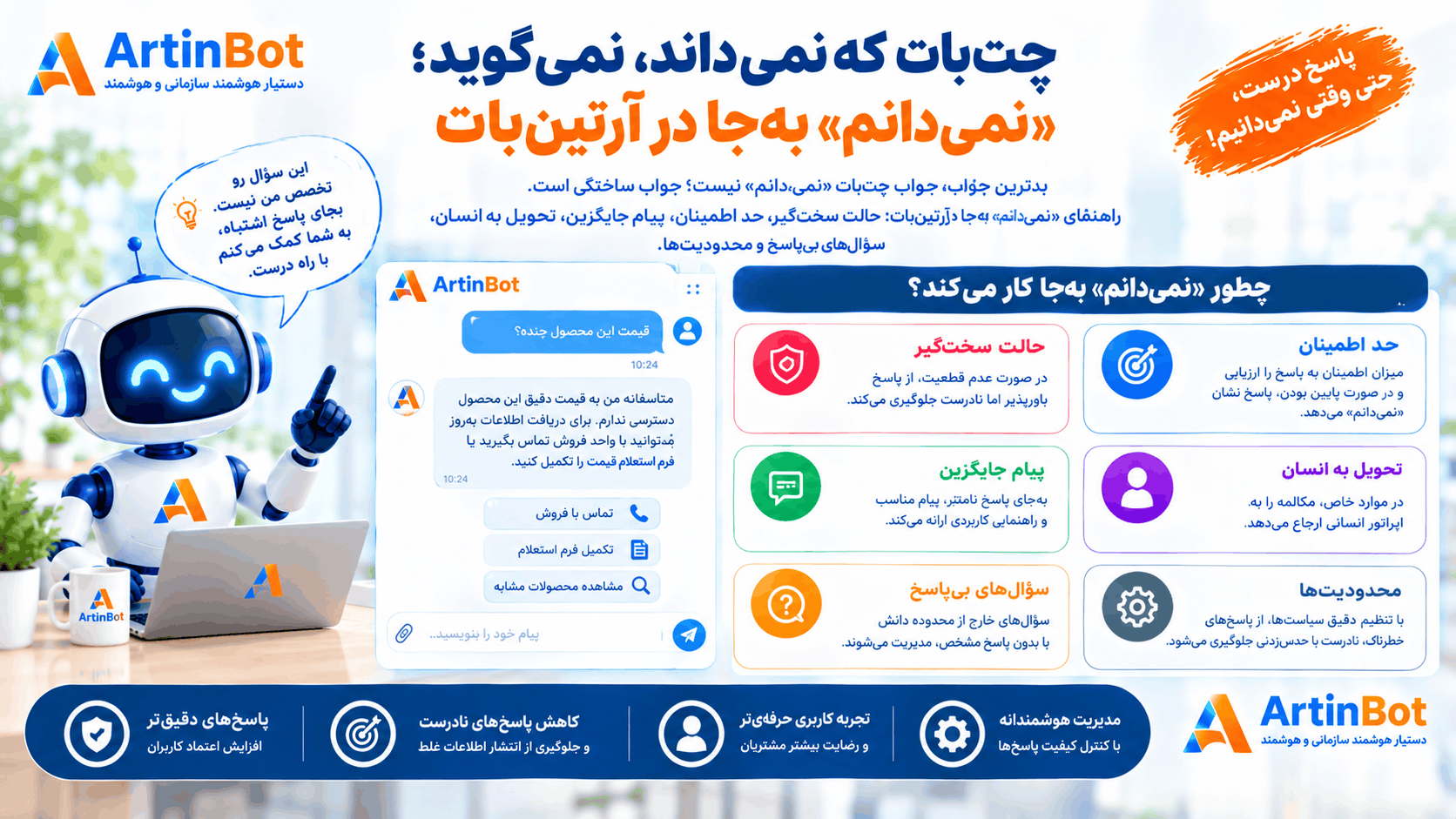
بدترین جواب چتبات «نمیدانم» نیست؛ جواب ساختگی است. راهنمای «نمیدانم» بهجا در آرتینبات: حالت سختگیر، حد اطمینان، پیام جایگزین، تحویل به انسان، سؤالهای بیپاسخ و محدودیتها.
بدترین جواب چتبات «نمیدانم» نیست؛ جواب ساختگی است. راهنمای «نمیدانم» بهجا در آرتینبات: حالت سختگیر، حد اطمینان، پیام جایگزین، تحویل به انسان، سؤالهای بیپاسخ و محدودیتها.
شرکت هوش گستر فردا آرتین چند محصول هوش مصنوعی فارسی میسازد. هر کدام کار خودش را میکند — اینها را ببینید تا بدانید کدام به کار شما میآید.
 شرکت هوش گستر فردا آرتینشرکتسازندهی محصولات هوش مصنوعی فارسیشرکت هوش گستر فردا آرتین، مستقر در پارک علم و فناوری خراسان رضوی، سازندهی شش محصول هوش مصنوعی فارسی و یک رسانهی تخصصی است. اینجا میبینید کدام راهکار به کار سازمان شما میآید و مرز هرکدام کجاست.artinbi.ir
 داناباتمحصولدستیار سازمانی آفلاین، داخل شبکهی خودتاندانشنامه و دستیار هوشمند سازمانی که در استقرار On-Premise داخل شبکهی داخلی شما مستقر میشود. به فارسی از اتوماسیون اداری، دیتابیس زنده و اسناد سازمان سؤال بپرسید — بدون اینکه دادهای از سازمان خارج شود.در استقرار On-Premise داخل شبکهی خودتان نصب میشود و داده از سازمان خارج نمیشودdana-bot.ir
 AgentsHubمحصولبستر یکپارچهسازی و حاکمیت ایجنت سازمانیایجنتهای سازمان از هر پیمانکار و با هر فناوری، زیر یک هویت واقعی کاربر، یک سیاست داده و یک لاگ ممیزی مشترک. کارکنان بهجای چند سامانه، یک در میبینند.هر واحد ایجنت خودش را ساخته و هیچکس نمیداند چه کسی چه کردagentshub.ir
 جعبه ابزار هوش مصنوعی آرتینمحصولبیش از ۲۰ ابزار AI اداری و سندیبیش از ۲۰ ابزار هوش مصنوعی سازمانی در یک پنل: نامهساز، مترجم اداری، خلاصهساز، تولید تصویر، تبدیل صوت به متن، OCR، چارتساز و پاورپوینتساز.نامه، ترجمه، خلاصه، OCR و پاورپوینت — همه در یک پنل سازمانیtoolsai.ir
 تلنتایآیمحصولاپ هوش مصنوعی فارسی برای کاربر عمومیاپلیکیشن فارسی هوش مصنوعی برای استفادهی روزمره: گفتگو، تولید و ویرایش تصویر، لوگوساز و اتاق جادویی. روی اندروید و وب، با یک اشتراک واحد.همهی ابزارهای AI روزمره در یک اپ فارسی، بدون فیلترشکنtalentai.ir
 چاریکمحصولهوش تجاری فروش و بازگرداندن مشتریچاریک فایل فروش شما را تحلیل میکند، مشتریهای ازدسترفته و در خطر ریزش را پیدا میکند و برای هرکدام یک پیشنهاد و پیام هدفدار بههمراه کد تخفیف میسازد تا برگردند.مشتریهایی که دیگر خرید نمیکنند را پیدا و برمیگرداندcharik.ir
 آرتینمگرسانهمجلهی تخصصی هوش مصنوعی به زبان فارسیاخبار، مقالات تحلیلی و آموزش هوش مصنوعی به زبان فارسی. آرتینمگ رسانهی مستقل گروه آرتین است و محصول نمیفروشد — اینجا یاد میگیرید، بعد تصمیم میگیرید.artinmag.ir
