Install with one snippet
The widget goes live by adding a short script to your site template. It does not depend on your stack: WordPress, a store builder or a bespoke site all work the same.
 ArtinBot
A visitor who cannot find an answer closes the tab and leaves. ArtinBot puts a chat widget on your site that has been trained on your own pages, catalogue and files, and answers around the clock — without anyone having to sit behind it.
An ordinary chat window is only a channel: it works while an agent is online. Outside working hours messages queue up, and the visitor who was ready to decide has already gone. In practice most of the window's value is lost during the hours when nobody is behind it.
A website chatbot automates the first layer. ArtinBot is trained on your site's real content — product pages, shipping terms, FAQs, catalogue files — and gives those answers immediately. Strict mode is on by default: if the answer is not in your sources it does not guess, and the conversation is handed to an agent.
The widget goes live by adding a short script to your site template. It does not depend on your stack: WordPress, a store builder or a bespoke site all work the same.
Give it your site address or sitemap and it reads the pages. When the site content changes, the bot's knowledge is refreshed with it.
Every answer traces back to the document it was built from, so it stays checkable and nobody has to trust the bot blindly.
Whenever the bot is unsure, or the visitor asks for a person, the conversation moves to the agent dashboard with its full history.
Stock, price, shipping cost and returns policy — the questions that come up most before a purchase.
What you offer, on what terms and in what steps, for a visitor not yet ready to call.
Product introductions, routing to the right team and answers to pre-sales questions.
When the answer exists deep in the site but nobody finds it, a conversation is the shortest path to it.
A window that works while an agent is online.
An automated first layer; people for the real cases.
Adding the widget is a short job: one snippet goes into your site template and the widget appears. The real time goes into preparing the knowledge sources — the files and links the bot will answer from.
Yes. Because installation is a snippet in the template, it does not depend on your stack. WordPress, store builders and bespoke sites are all the same.
From the sources you provide: your site address or sitemap for the pages, plus PDF, Word and Excel files for anything not published on the site.
It does not guess. Strict mode is on by default, so if the answer is not in your sources it says so and hands the conversation to an agent.
The sources are re-read and the bot's knowledge is updated, so you do not have to maintain the answers separately.
Website bot, website AI and site chatbot all point to the same thing in practice: a chat widget that answers from that site's own content instead of just relaying messages to an operator. What matters is the source of the answer, not the label.
Give us your site address, upload your sources and see the widget live on your site.
آرتینمگ
این مطالب در آرتینمگ، رسانهی تخصصی گروه آرتین، منتشر شدهاند.
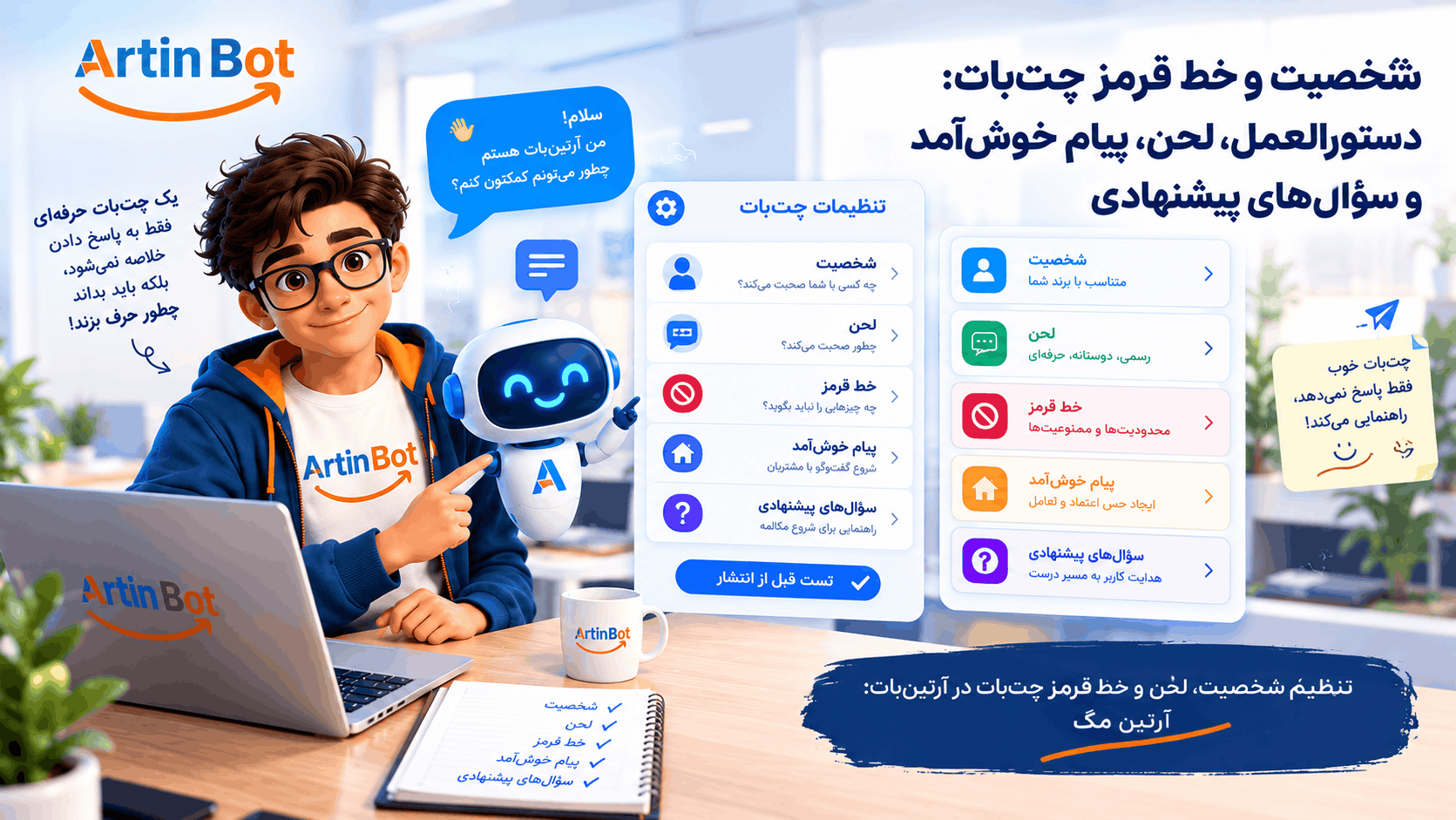
چتبات شما با لحن چه کسی حرف میزند و چه چیزی را هرگز نباید بگوید؟ راهنمای تنظیم دستورالعمل، لحن، خط قرمز، پیام خوشآمد و سؤالهای پیشنهادی در آرتینبات، با تست پیش از انتشار و محدودیتها.
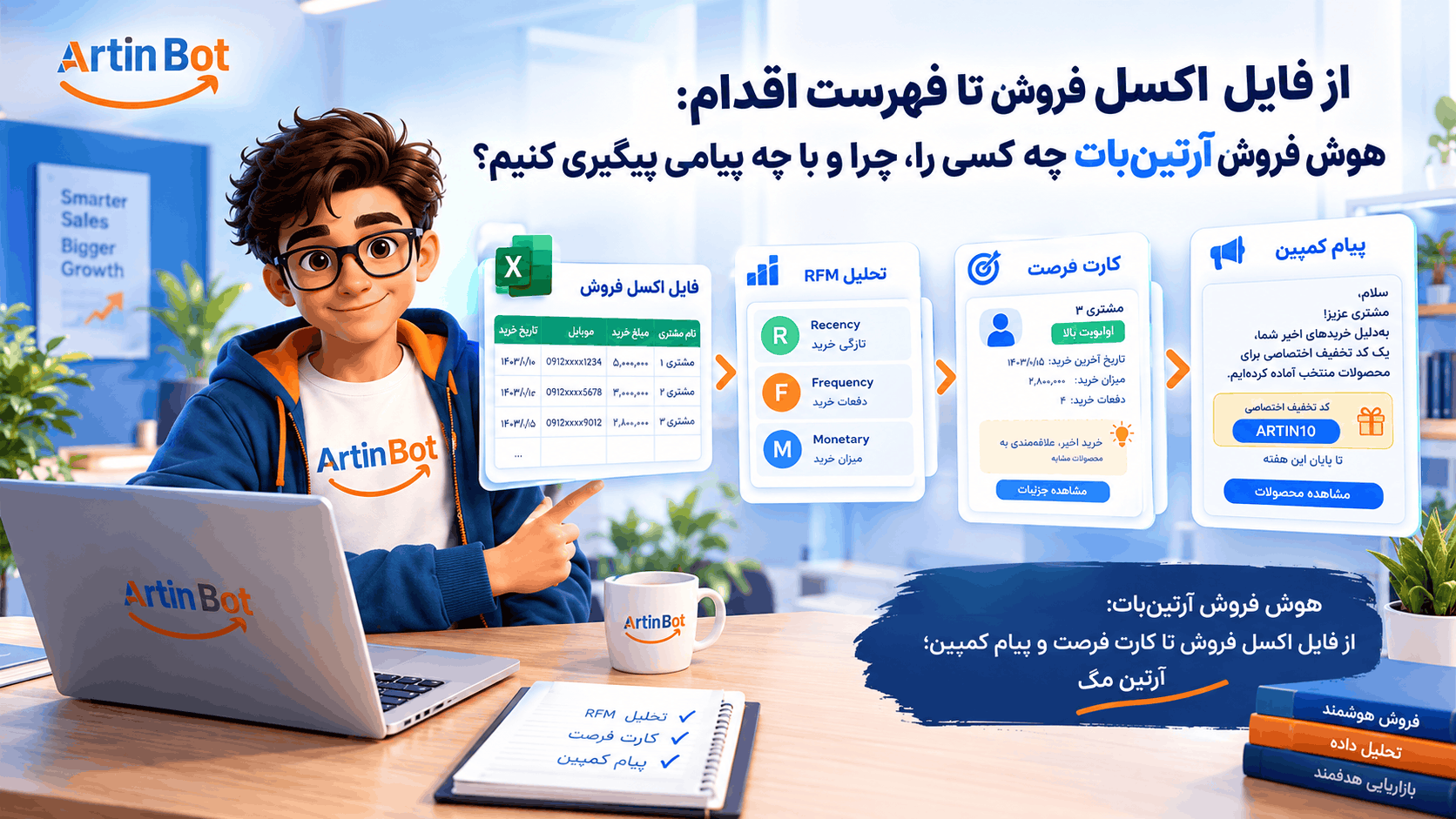
فایل فروشتان پر از مشتری است ولی نمیدانید به کدامشان چه بگویید. راهنمای هوش فروش آرتینبات: بارگذاری اکسل، تحلیل RFM، کارت فرصت، پیام کمپین و کد تخفیف اختصاصی، با محدودیتها و هزینهها.
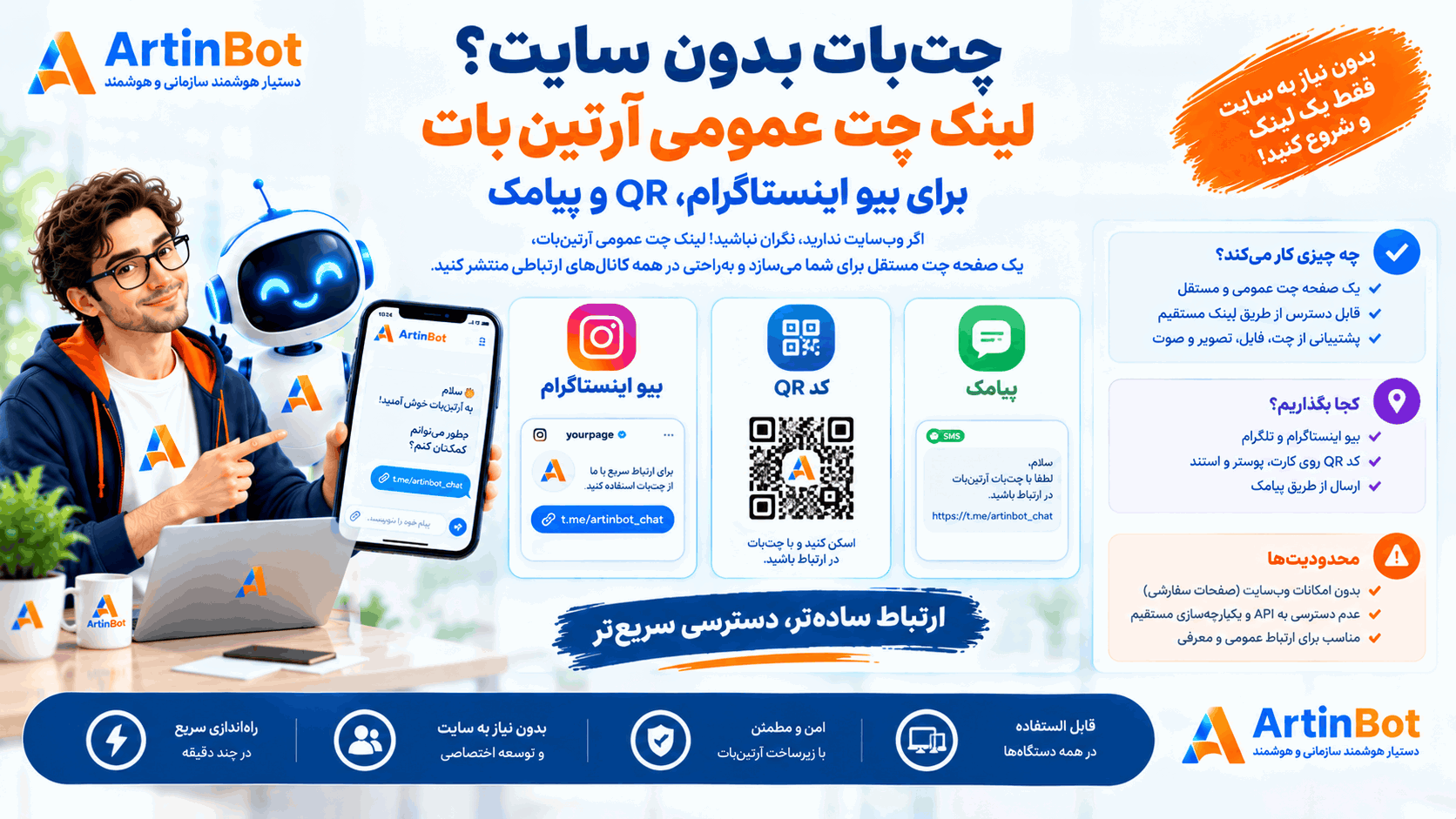
پیج دارید ولی سایت ندارید؟ لینک چت عمومی آرتینبات یک صفحهی چت مستقل میسازد که میتوانید در بیو، QR یا پیامک منتشر کنید. چه چیزی کار میکند، کجا بگذاریم و محدودیتها چیست.
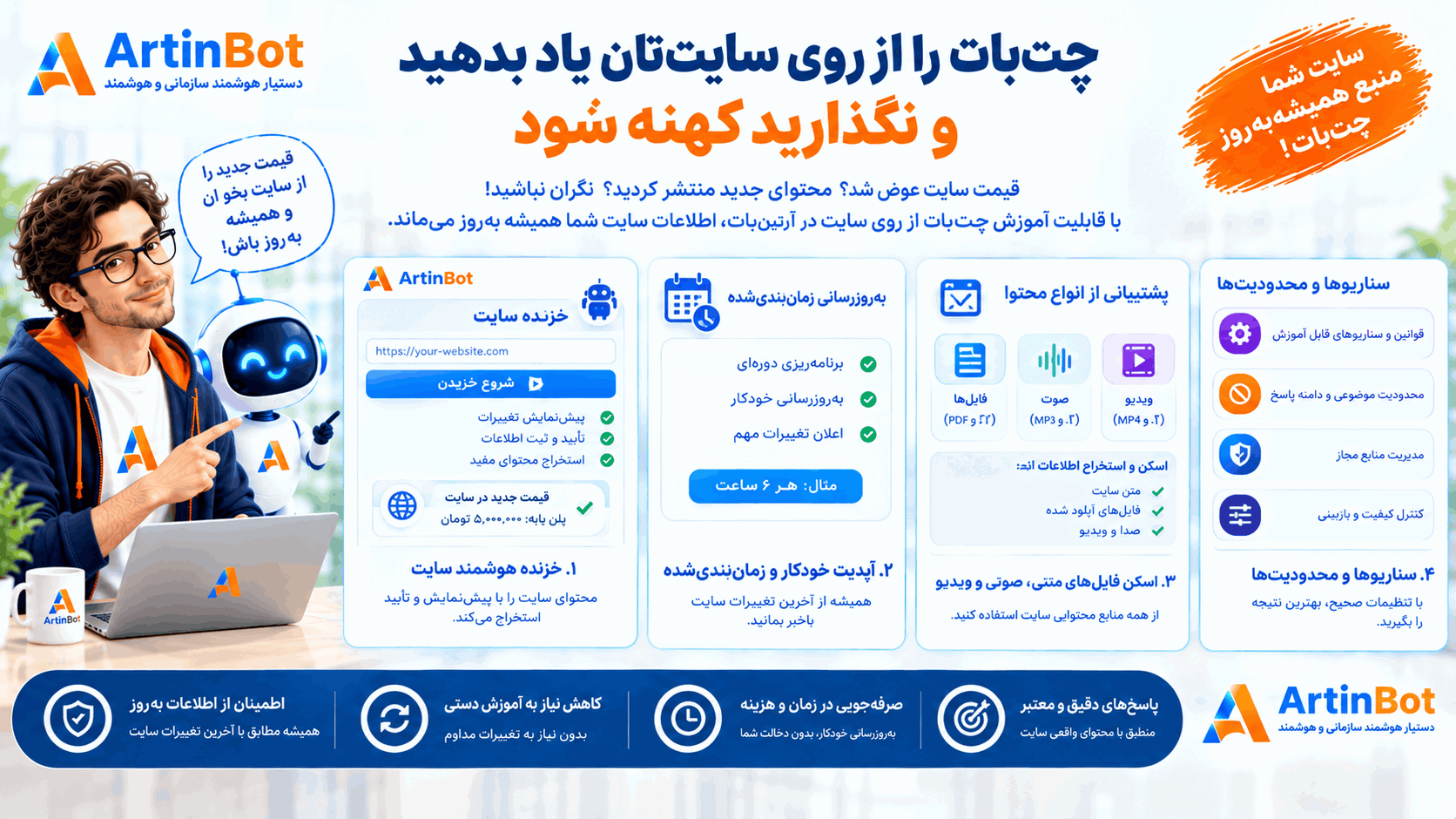
قیمت سایت عوض شد ولی چتبات هنوز عدد قدیمی را میگوید. راهنمای آموزش چتبات از روی سایت در آرتینبات: خزنده با پیشنمایش و تأیید، بهروزرسانی زمانبندیشده، فایلهای اسکنشده، صوت و ویدیو، سناریوها و محدودیتها.
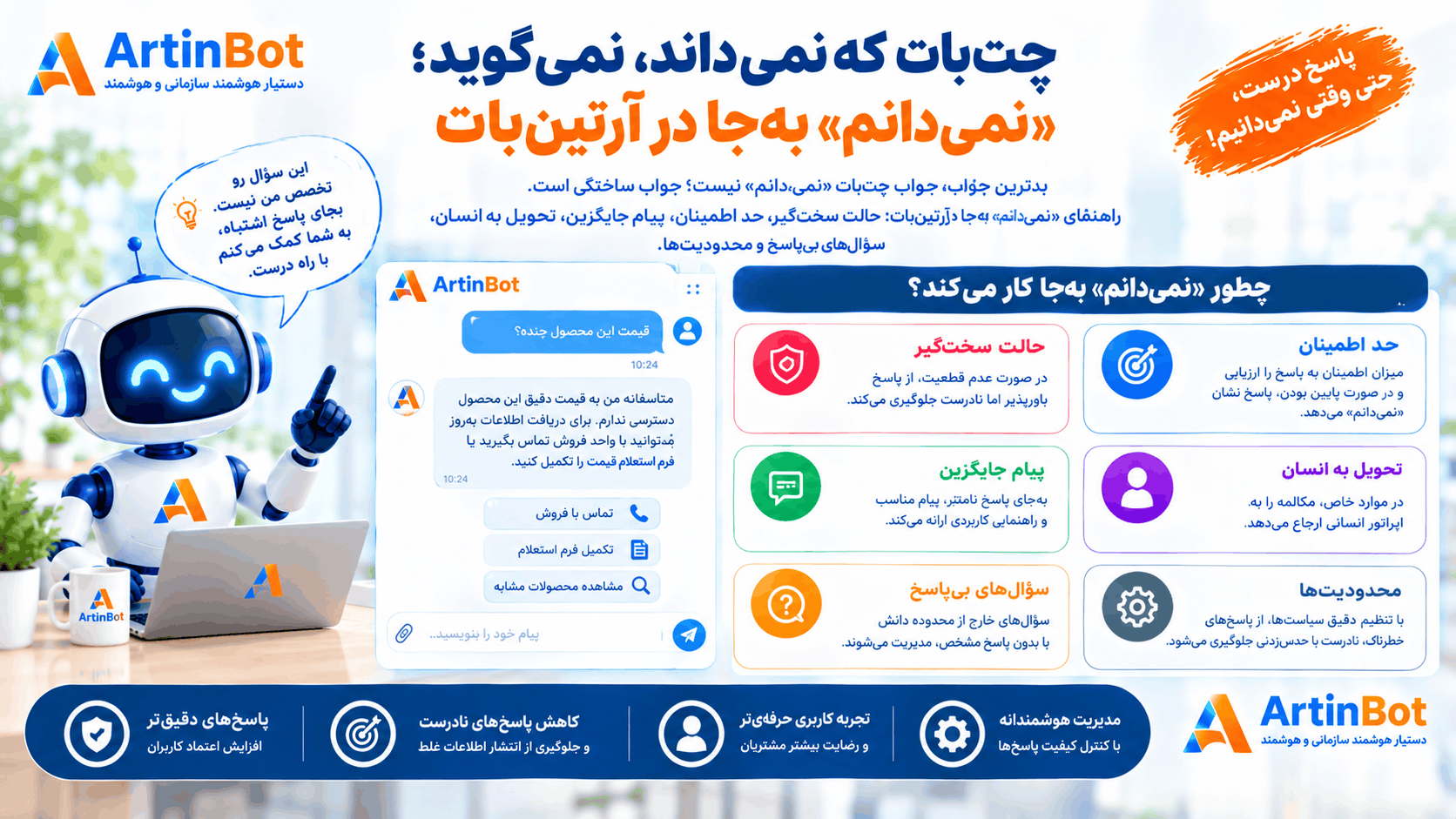
بدترین جواب چتبات «نمیدانم» نیست؛ جواب ساختگی است. راهنمای «نمیدانم» بهجا در آرتینبات: حالت سختگیر، حد اطمینان، پیام جایگزین، تحویل به انسان، سؤالهای بیپاسخ و محدودیتها.
بدترین جواب چتبات «نمیدانم» نیست؛ جواب ساختگی است. راهنمای «نمیدانم» بهجا در آرتینبات: حالت سختگیر، حد اطمینان، پیام جایگزین، تحویل به انسان، سؤالهای بیپاسخ و محدودیتها.
شرکت هوش گستر فردا آرتین چند محصول هوش مصنوعی فارسی میسازد. هر کدام کار خودش را میکند — اینها را ببینید تا بدانید کدام به کار شما میآید.
 شرکت هوش گستر فردا آرتینشرکتسازندهی محصولات هوش مصنوعی فارسیشرکت هوش گستر فردا آرتین، مستقر در پارک علم و فناوری خراسان رضوی، سازندهی شش محصول هوش مصنوعی فارسی و یک رسانهی تخصصی است. اینجا میبینید کدام راهکار به کار سازمان شما میآید و مرز هرکدام کجاست.artinbi.ir
 داناباتمحصولدستیار سازمانی آفلاین، داخل شبکهی خودتاندانشنامه و دستیار هوشمند سازمانی که در استقرار On-Premise داخل شبکهی داخلی شما مستقر میشود. به فارسی از اتوماسیون اداری، دیتابیس زنده و اسناد سازمان سؤال بپرسید — بدون اینکه دادهای از سازمان خارج شود.در استقرار On-Premise داخل شبکهی خودتان نصب میشود و داده از سازمان خارج نمیشودdana-bot.ir
 AgentsHubمحصولبستر یکپارچهسازی و حاکمیت ایجنت سازمانیایجنتهای سازمان از هر پیمانکار و با هر فناوری، زیر یک هویت واقعی کاربر، یک سیاست داده و یک لاگ ممیزی مشترک. کارکنان بهجای چند سامانه، یک در میبینند.هر واحد ایجنت خودش را ساخته و هیچکس نمیداند چه کسی چه کردagentshub.ir
 جعبه ابزار هوش مصنوعی آرتینمحصولبیش از ۲۰ ابزار AI اداری و سندیبیش از ۲۰ ابزار هوش مصنوعی سازمانی در یک پنل: نامهساز، مترجم اداری، خلاصهساز، تولید تصویر، تبدیل صوت به متن، OCR، چارتساز و پاورپوینتساز.نامه، ترجمه، خلاصه، OCR و پاورپوینت — همه در یک پنل سازمانیtoolsai.ir
 تلنتایآیمحصولاپ هوش مصنوعی فارسی برای کاربر عمومیاپلیکیشن فارسی هوش مصنوعی برای استفادهی روزمره: گفتگو، تولید و ویرایش تصویر، لوگوساز و اتاق جادویی. روی اندروید و وب، با یک اشتراک واحد.همهی ابزارهای AI روزمره در یک اپ فارسی، بدون فیلترشکنtalentai.ir
 چاریکمحصولهوش تجاری فروش و بازگرداندن مشتریچاریک فایل فروش شما را تحلیل میکند، مشتریهای ازدسترفته و در خطر ریزش را پیدا میکند و برای هرکدام یک پیشنهاد و پیام هدفدار بههمراه کد تخفیف میسازد تا برگردند.مشتریهایی که دیگر خرید نمیکنند را پیدا و برمیگرداندcharik.ir
 آرتینمگرسانهمجلهی تخصصی هوش مصنوعی به زبان فارسیاخبار، مقالات تحلیلی و آموزش هوش مصنوعی به زبان فارسی. آرتینمگ رسانهی مستقل گروه آرتین است و محصول نمیفروشد — اینجا یاد میگیرید، بعد تصمیم میگیرید.artinmag.ir
