Leads with a need summary
Phone or email plus a few lines summarising what the visitor wanted — not an empty record that has to be re-interviewed.
 ArtinBot
A good conversation that is never recorded does not exist tomorrow. ArtinBot sends every conversation that reached a real request — with the number, a summary of the need and the entry channel — into your CRM, so follow-up starts where the conversation ended.
When recording a lead is manual work, it is the first thing dropped on a busy day. What does get recorded is usually just a number, with no trace of what the person wanted, so the rep has to ask everything again on the first call.
Connecting the bot to a CRM removes both problems at once. Recording happens because it is automatic, and what is recorded carries context because the conversation comes with it. The same logic applies to support: a conversation handed to an agent can open a ticket directly.
Phone or email plus a few lines summarising what the visitor wanted — not an empty record that has to be re-interviewed.
Whenever the bot escalates, it can open a ticket with the full transcript so the history stays in one place.
You can see whether a lead came from the site, direct messages or the phone, and from which page — the data campaign reporting needs.
For local or international CRMs and even your own in-house system, the connection uses standard interfaces.
Reps see a list of leads with context and know what each call is about.
Instead of copying transcripts into tickets by hand, the transfer happens automatically.
With the source recorded, it becomes clear which page and channel actually produce sales.
If your CRM is internal, the same records go to your own service over a webhook.
A rep creates the record after the conversation.
Recorded instantly, with context.
The connection uses standard APIs and webhooks, so local CRMs, international ones and your own in-house system can all be targeted. Specifics are worked out in a technical session.
Leads are visible and exportable in the ArtinBot panel; CRM integration is optional, not a prerequisite.
Whatever you specify: typically phone or email, the need summary, the entry channel and the transcript.
The current focus is pushing leads and tickets from the bot into your system. Reading CRM data to answer questions is assessed case by case.
It depends on the CRM; with a ready API it is short work. For in-house systems a webhook is the simplest path.
The phrase covers two different things. One is supporting the CRM software itself — training and troubleshooting for internal users, which belongs to whoever deployed it. The other is what this page is about: turning customer conversations into leads and tickets inside the CRM automatically, so no request stays outside the system.
Let's book a short technical session to check the connection to your system.
آرتینمگ
این مطالب در آرتینمگ، رسانهی تخصصی گروه آرتین، منتشر شدهاند.
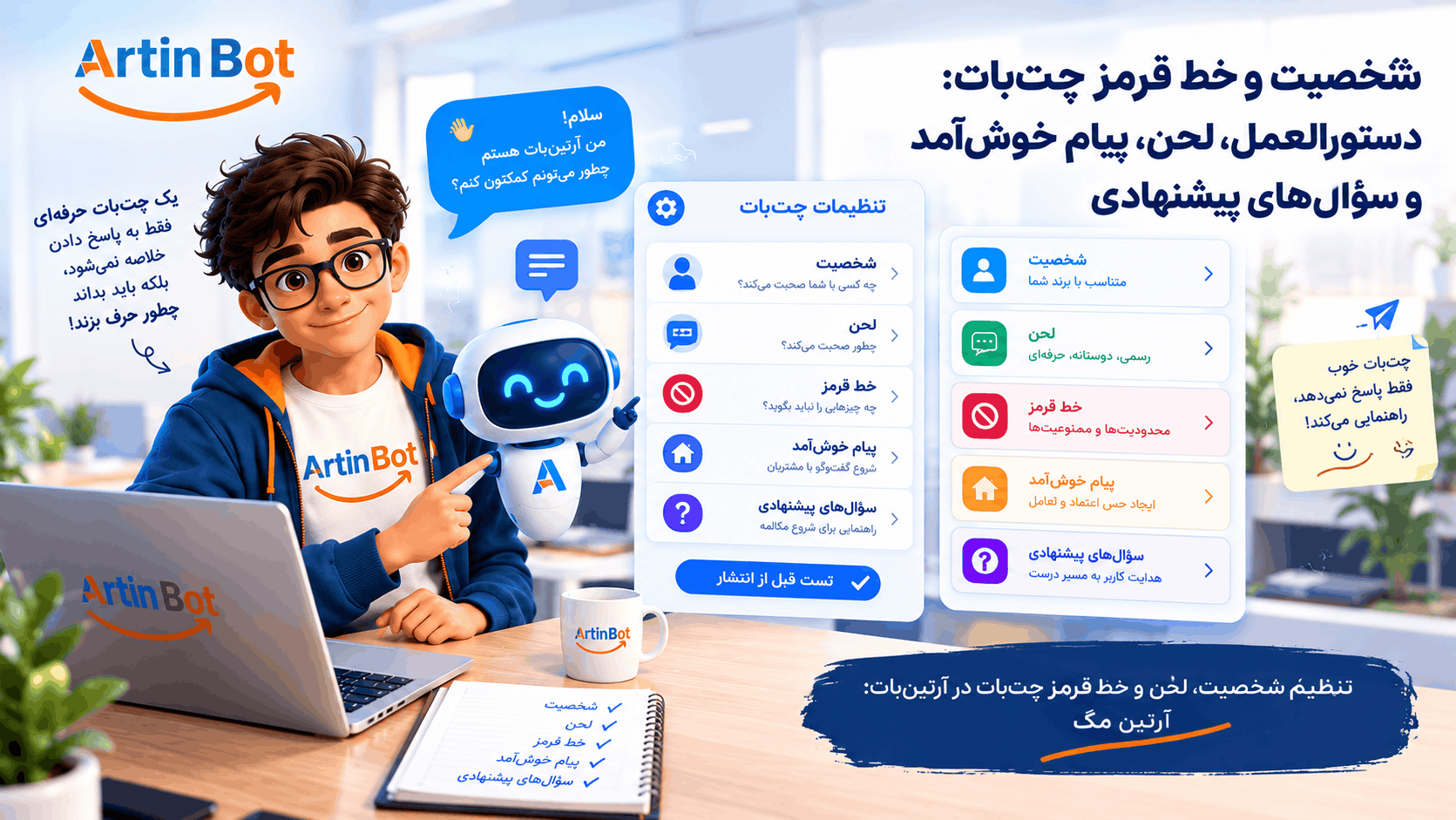
چتبات شما با لحن چه کسی حرف میزند و چه چیزی را هرگز نباید بگوید؟ راهنمای تنظیم دستورالعمل، لحن، خط قرمز، پیام خوشآمد و سؤالهای پیشنهادی در آرتینبات، با تست پیش از انتشار و محدودیتها.
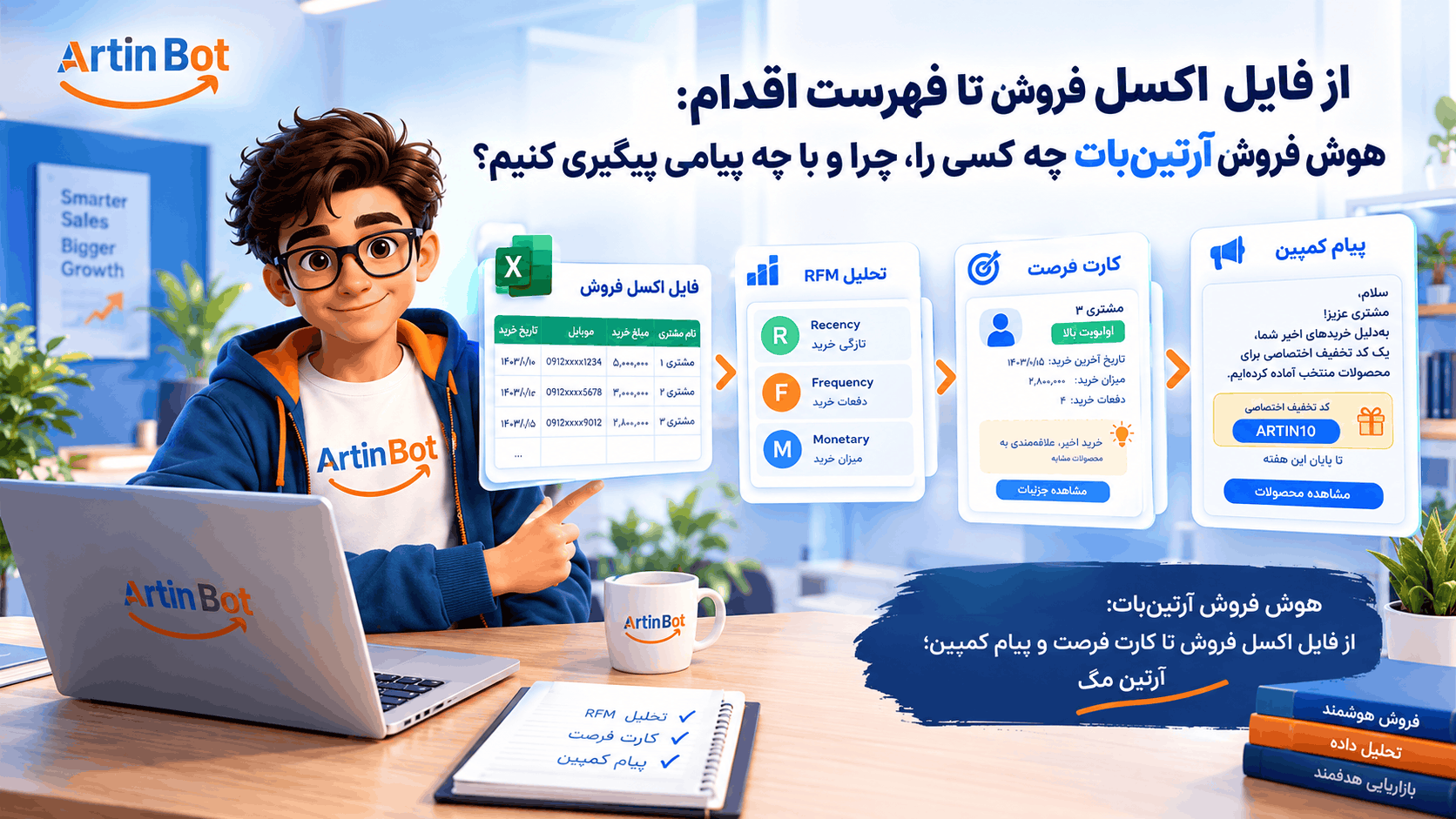
فایل فروشتان پر از مشتری است ولی نمیدانید به کدامشان چه بگویید. راهنمای هوش فروش آرتینبات: بارگذاری اکسل، تحلیل RFM، کارت فرصت، پیام کمپین و کد تخفیف اختصاصی، با محدودیتها و هزینهها.
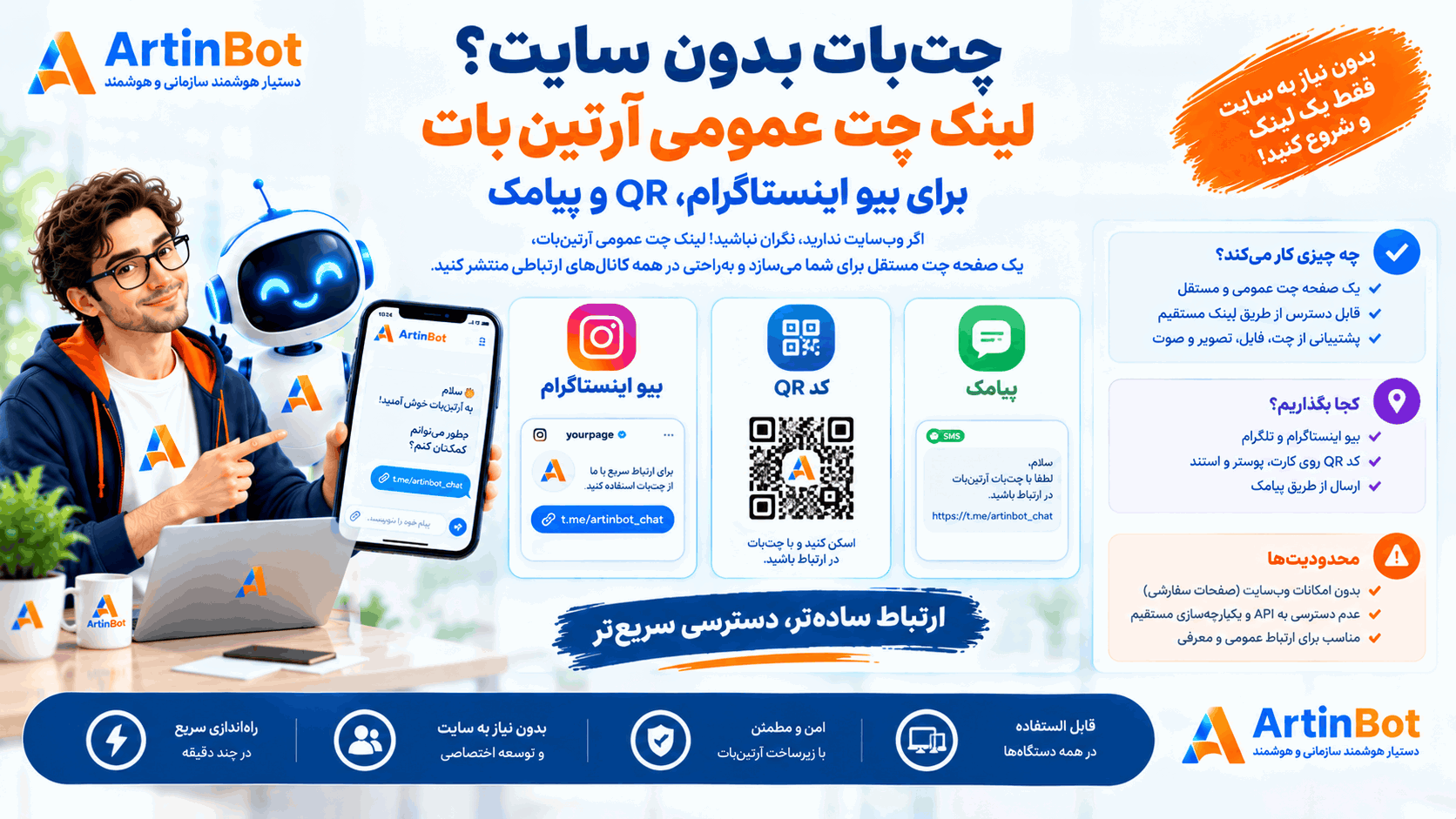
پیج دارید ولی سایت ندارید؟ لینک چت عمومی آرتینبات یک صفحهی چت مستقل میسازد که میتوانید در بیو، QR یا پیامک منتشر کنید. چه چیزی کار میکند، کجا بگذاریم و محدودیتها چیست.
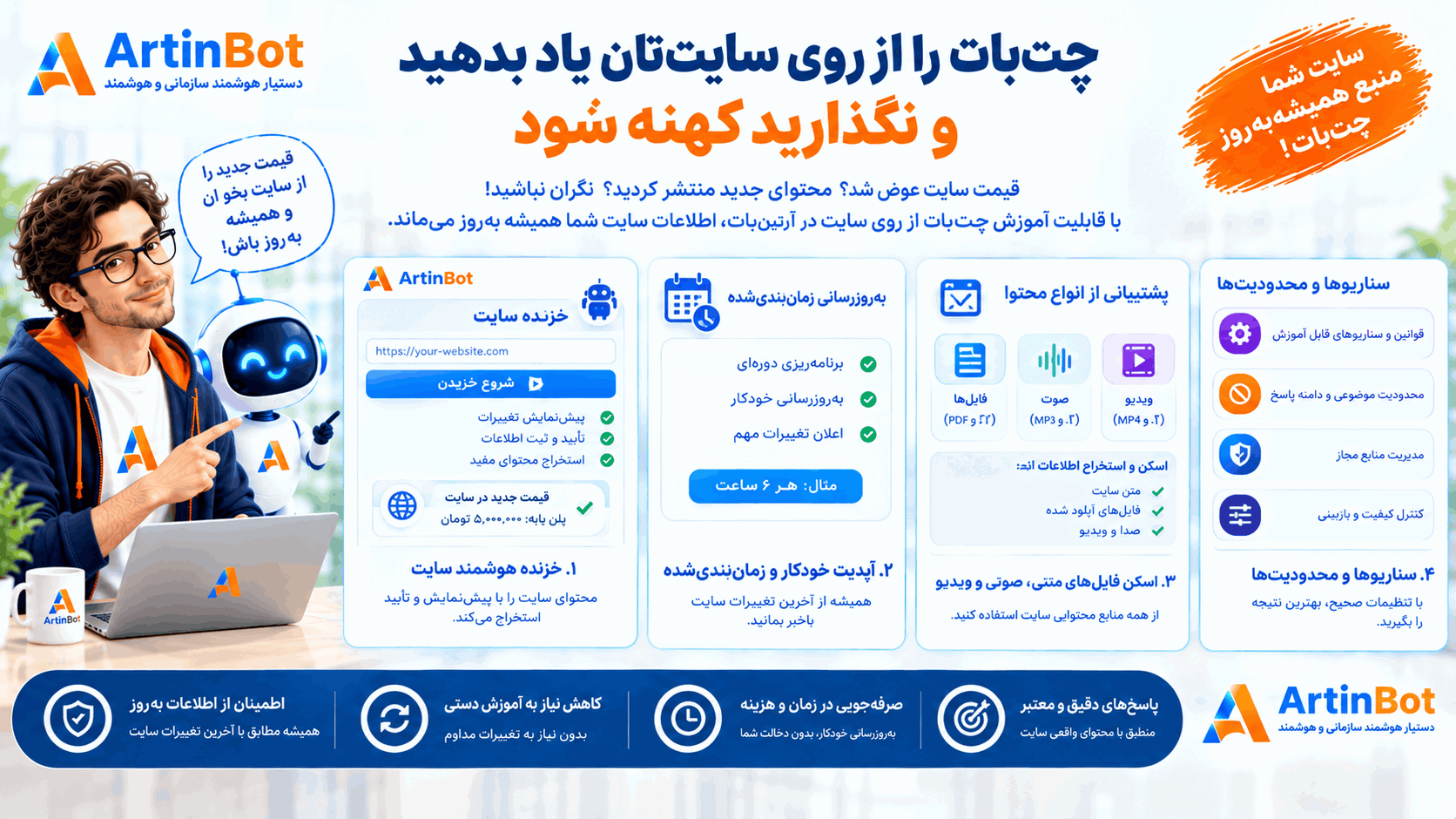
قیمت سایت عوض شد ولی چتبات هنوز عدد قدیمی را میگوید. راهنمای آموزش چتبات از روی سایت در آرتینبات: خزنده با پیشنمایش و تأیید، بهروزرسانی زمانبندیشده، فایلهای اسکنشده، صوت و ویدیو، سناریوها و محدودیتها.
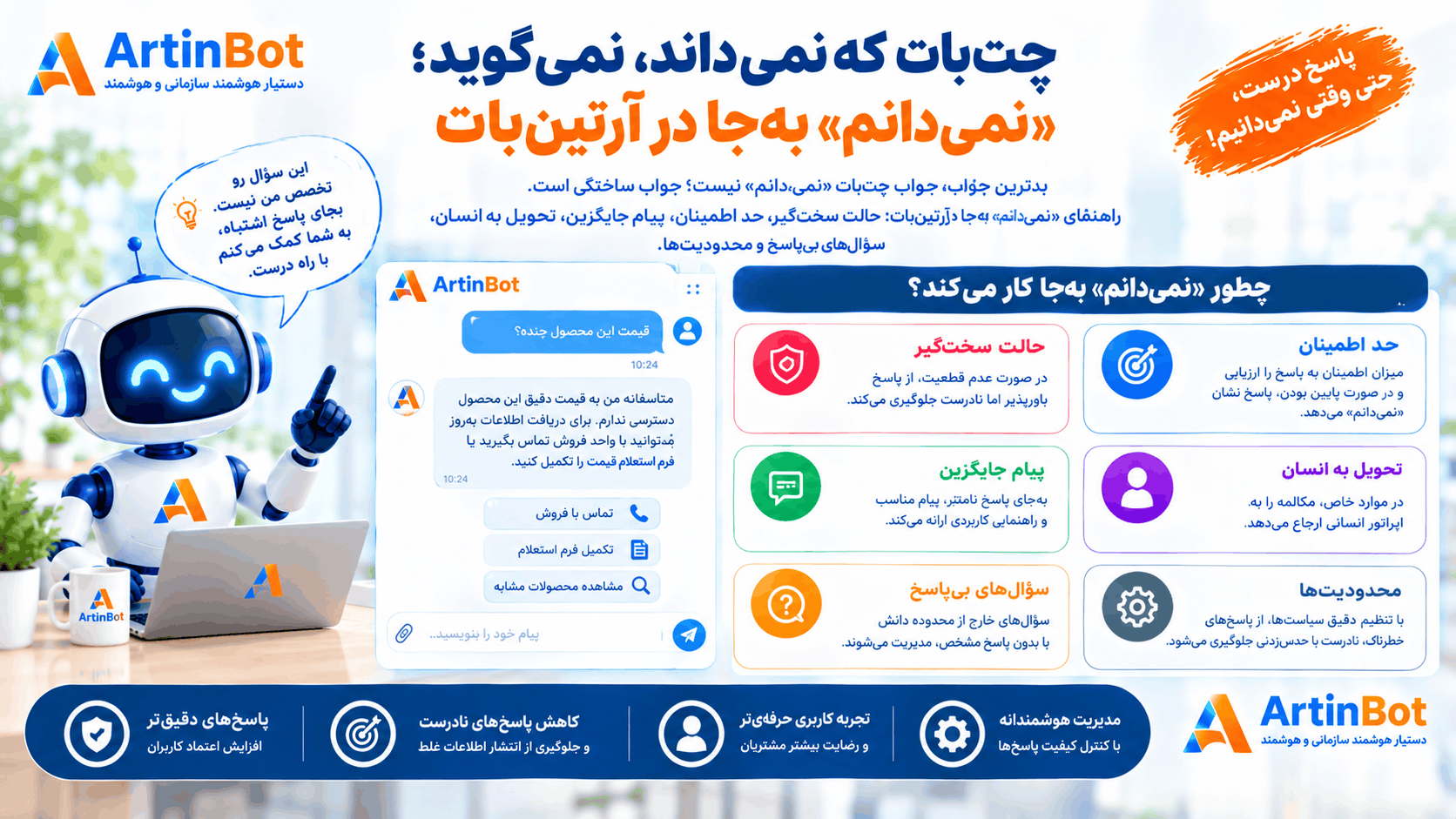
بدترین جواب چتبات «نمیدانم» نیست؛ جواب ساختگی است. راهنمای «نمیدانم» بهجا در آرتینبات: حالت سختگیر، حد اطمینان، پیام جایگزین، تحویل به انسان، سؤالهای بیپاسخ و محدودیتها.
بدترین جواب چتبات «نمیدانم» نیست؛ جواب ساختگی است. راهنمای «نمیدانم» بهجا در آرتینبات: حالت سختگیر، حد اطمینان، پیام جایگزین، تحویل به انسان، سؤالهای بیپاسخ و محدودیتها.
شرکت هوش گستر فردا آرتین چند محصول هوش مصنوعی فارسی میسازد. هر کدام کار خودش را میکند — اینها را ببینید تا بدانید کدام به کار شما میآید.
 شرکت هوش گستر فردا آرتینشرکتسازندهی محصولات هوش مصنوعی فارسیشرکت هوش گستر فردا آرتین، مستقر در پارک علم و فناوری خراسان رضوی، سازندهی شش محصول هوش مصنوعی فارسی و یک رسانهی تخصصی است. اینجا میبینید کدام راهکار به کار سازمان شما میآید و مرز هرکدام کجاست.artinbi.ir
 داناباتمحصولدستیار سازمانی آفلاین، داخل شبکهی خودتاندانشنامه و دستیار هوشمند سازمانی که در استقرار On-Premise داخل شبکهی داخلی شما مستقر میشود. به فارسی از اتوماسیون اداری، دیتابیس زنده و اسناد سازمان سؤال بپرسید — بدون اینکه دادهای از سازمان خارج شود.در استقرار On-Premise داخل شبکهی خودتان نصب میشود و داده از سازمان خارج نمیشودdana-bot.ir
 AgentsHubمحصولبستر یکپارچهسازی و حاکمیت ایجنت سازمانیایجنتهای سازمان از هر پیمانکار و با هر فناوری، زیر یک هویت واقعی کاربر، یک سیاست داده و یک لاگ ممیزی مشترک. کارکنان بهجای چند سامانه، یک در میبینند.هر واحد ایجنت خودش را ساخته و هیچکس نمیداند چه کسی چه کردagentshub.ir
 جعبه ابزار هوش مصنوعی آرتینمحصولبیش از ۲۰ ابزار AI اداری و سندیبیش از ۲۰ ابزار هوش مصنوعی سازمانی در یک پنل: نامهساز، مترجم اداری، خلاصهساز، تولید تصویر، تبدیل صوت به متن، OCR، چارتساز و پاورپوینتساز.نامه، ترجمه، خلاصه، OCR و پاورپوینت — همه در یک پنل سازمانیtoolsai.ir
 تلنتایآیمحصولاپ هوش مصنوعی فارسی برای کاربر عمومیاپلیکیشن فارسی هوش مصنوعی برای استفادهی روزمره: گفتگو، تولید و ویرایش تصویر، لوگوساز و اتاق جادویی. روی اندروید و وب، با یک اشتراک واحد.همهی ابزارهای AI روزمره در یک اپ فارسی، بدون فیلترشکنtalentai.ir
 چاریکمحصولهوش تجاری فروش و بازگرداندن مشتریچاریک فایل فروش شما را تحلیل میکند، مشتریهای ازدسترفته و در خطر ریزش را پیدا میکند و برای هرکدام یک پیشنهاد و پیام هدفدار بههمراه کد تخفیف میسازد تا برگردند.مشتریهایی که دیگر خرید نمیکنند را پیدا و برمیگرداندcharik.ir
 آرتینمگرسانهمجلهی تخصصی هوش مصنوعی به زبان فارسیاخبار، مقالات تحلیلی و آموزش هوش مصنوعی به زبان فارسی. آرتینمگ رسانهی مستقل گروه آرتین است و محصول نمیفروشد — اینجا یاد میگیرید، بعد تصمیم میگیرید.artinmag.ir
